
QR Code Generator
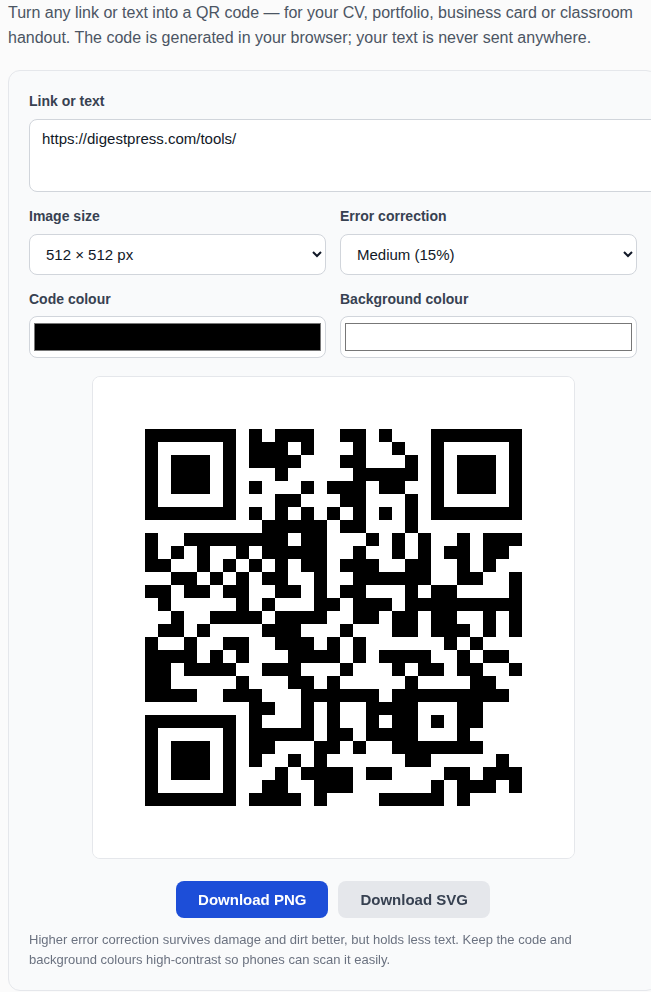
Turn any link or text into a QR code — for your CV, portfolio, business card or classroom handout. The code is generated in your browser; your text is never sent anywhere.
Higher error correction survives damage and dirt better, but holds less text. Keep the code and background colours high-contrast so phones can scan it easily.
How to make a QR code
Type or paste the website address or text you want the QR code to hold. Pick the image size, the error correction level and the colours, then download the code as a PNG image or as an SVG file for print. Before you share it, test it: point your phone camera at the code and check that it opens the right link.
Where to use QR codes
QR codes bridge paper and the web. Put one on your CV linking to your portfolio or LinkedIn profile, on a business card linking to your website, on a classroom handout linking to a reading, or on an event poster linking to the registration page. They also work for WiFi: a code holding the text WIFI:T:WPA;S:NetworkName;P:password;; lets guests join the network by scanning instead of typing the password.
How much can a QR code hold?
A QR code holds up to about 4,296 letters and numbers at the Low error correction level, and less as the level rises — roughly 2,953 characters at Medium and 1,817 at High. Long website addresses eat into that budget fast, so shorten a long URL first if your code looks very dense. Dense codes are harder for older phones to scan.
Error correction levels
Error correction is spare data woven into the code so it still scans when part of it is damaged, dirty or covered. Low recovers 7% of the code, Medium 15%, Quartile 25% and High 30%. Medium is the right default for most uses. Choose High for codes printed outdoors, on packaging or anywhere they might get scuffed — and keep the code and background colours high-contrast, because a pretty low-contrast code that no phone can read is useless.
Frequently asked questions
Do QR codes expire?
No. A QR code is just a picture of your text or link — it never expires on its own. But the link behind it can break if the page moves or the site closes, so check printed codes before a big print run.
Can I print the QR code?
Yes. Download the SVG version for print — it is a vector file, so it stays sharp at any size, from a business card to a poster. PNG works for screens and small prints.
What size should I print?
At least 2 × 2 cm for something people scan from close up, like a business card or a CV. For a poster people scan from a metre away, make it at least 10 cm across. Always test-scan the printed code before you print hundreds.
Is my text sent anywhere?
No. The QR code is generated entirely in your browser using a bundled library. Your text is never uploaded, stored or seen by anyone.